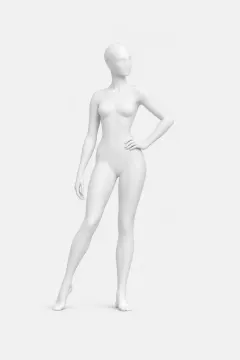
Mannequin
Shows volume and direction clearly. Use it as the reference when changing the character or scene.
Shows volume and direction clearly. Use it as the reference when changing the character or scene.
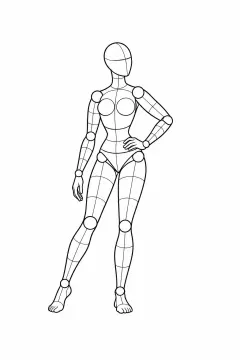
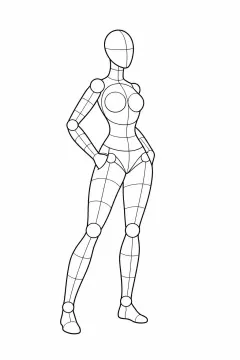
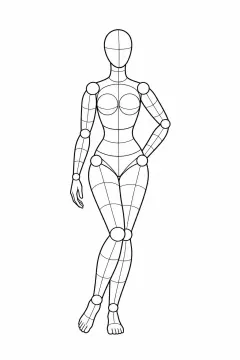
Only the outline and joint rings. Put it in ControlNet to control the body shape.

Only joints and the lines between them. Body shape and clothing are left free.
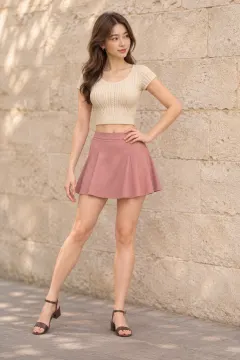 AI-generated
What the same pose produced. For viewing only, not for download.
WebP, JPG or PNG all work, or copy the image and paste it.
Use a Lineart model, or Canny.
It is already line art, so there is nothing to extract.
Raise it if the pose drifts, lower it if the image looks stiff.
Example images only show roughly what the pose looks like once generated, so there is no download or copy. For a reference, use the mannequin, line drawing or skeleton of the same pose.
Each download is the current image. We reserve our rights in the images, so there are no packs or bulk downloads. Some pose and outfit images are open under CC BY 4.0; if you need files in bulk, find the open repository on the Open asset pack page.
Yes. Mannequins, line drawings, skeletons and example images are all AI-generated.
Yes. Use it in personal and commercial work. We claim no rights in what you make, and no credit is needed.
We reserve our rights in the images themselves: you may not resell or redistribute them, download them in bulk or train on them. See the License page.
Yes. Everything is free, and there is nothing to set up.
If an image is wrong, a label is off, or something seems out of place, fill in the form on the Report & takedown page with the pose ID. Use the same form for rights issues or anything involving you personally.